
Download Speckie – Spell Checker, Internet Explorer, Multilingual, Real-Time, Language Switch, Writing Tool, Browser Integration
Overview
Speckie is a specialized productivity tool designed to enhance the writing experience within Internet Explorer. Its primary purpose is to provide real-time spell-checking functionality, helping users identify and correct spelling errors as they type. This application addresses a common limitation in older web browsers by integrating a robust spell-checking layer directly into the browsing environment. For users who rely on Internet Explorer for daily tasks, Speckie serves as a valuable supplement to the browser’s native capabilities, which may lack advanced language support or immediate feedback.
The target audience includes individuals who frequently write in online forms, emails, or documents through Internet Explorer, particularly those working in multilingual environments. The app is especially useful for professionals, students, or content creators who need to maintain high standards of written accuracy. Although the developer did not provide additional background on Speckie’s origin or development team, the application’s focused functionality suggests a targeted approach to solving a specific user pain point in legacy browser ecosystems.
Speckie’s role in the app ecosystem is notable given the declining relevance of Internet Explorer. However, for users still dependent on this platform—whether due to enterprise systems, legacy software, or institutional constraints—Speckie offers a practical upgrade. Its ability to support multiple languages and provide real-time error detection makes it a rare but functional tool in a rapidly evolving digital landscape.
Key Features & Functionality
- Language Support: Speckie allows users to switch between multiple languages, enabling accurate spell-checking across different linguistic contexts. While the default language is English, users can customize their selection based on current writing needs, making it suitable for multilingual workflows.
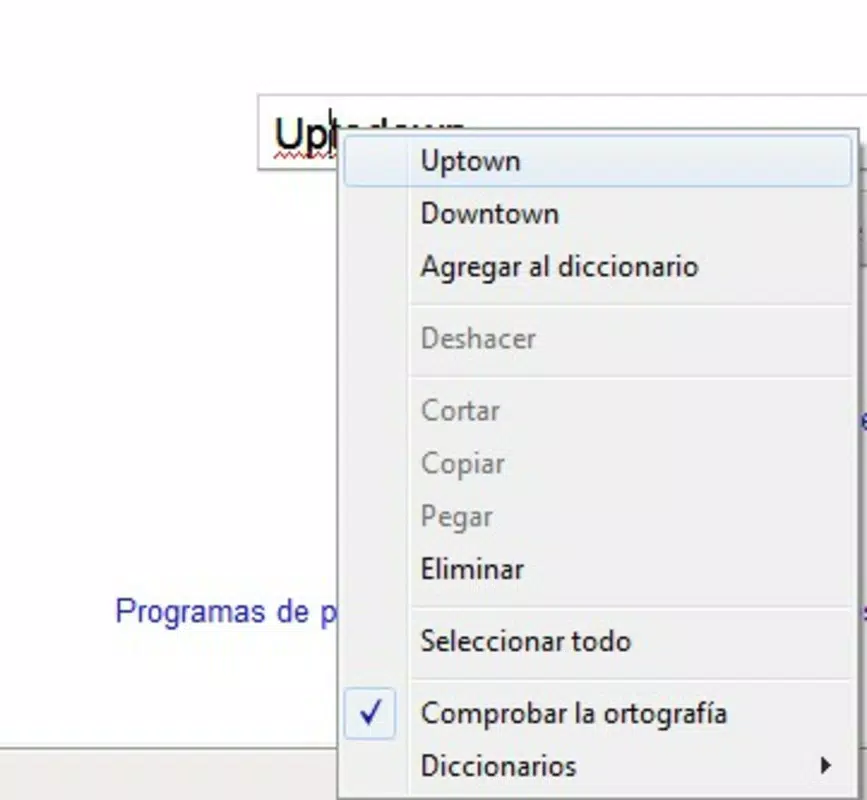
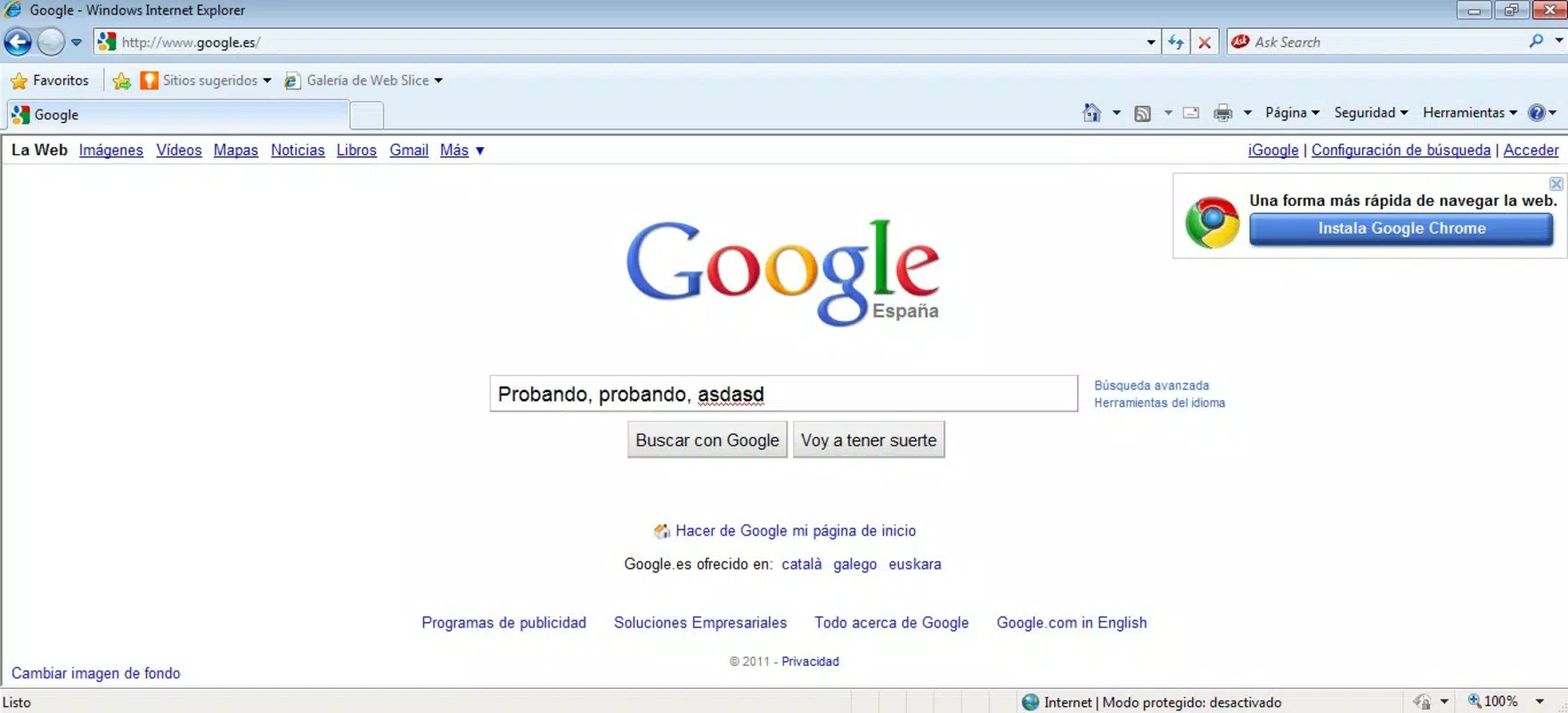
- Error Underlining: The application visually highlights misspelled words in real time by underlining them. This immediate feedback helps users recognize mistakes as they are made, improving writing accuracy and reducing post-editing time.
- User-Friendly Interface: Designed with simplicity in mind, Speckie features a minimal interface that requires no technical expertise. Users can install and activate the tool with minimal effort, ensuring accessibility for non-technical individuals.
- Real-Time Corrections: As users type, Speckie provides instant suggestions and corrections. This dynamic response enhances writing efficiency and supports continuous improvement in spelling and grammar.
- Browser Integration: Speckie is specifically built for Internet Explorer, ensuring seamless integration into the browser’s environment. It operates without disrupting other web activities, maintaining a smooth user experience.
For example, a user writing a report in German within an Internet Explorer-based corporate portal can switch the language setting in Speckie to German, enabling accurate spell-checking. Similarly, a student drafting an essay in English and then switching to Spanish for a language assignment can do so without restarting the tool. These use cases illustrate how Speckie supports diverse writing scenarios within a constrained browser environment.
Interface, UX & Performance
Speckie’s interface is designed with clarity and simplicity as core principles. The layout is unobtrusive, avoiding clutter while maintaining essential controls within easy reach. Navigation is intuitive, with minimal steps required to activate or change language settings. The visual design aligns with the aesthetic of older Windows applications, ensuring consistency with the Internet Explorer environment.
Users can expect a responsive experience when typing, with underlining and suggestions appearing almost instantaneously. Although the developer did not list formal performance metrics, the application’s lightweight nature—measuring just 2.1 MB—suggests efficient resource usage. This small footprint ensures that Speckie runs smoothly even on older or low-spec systems commonly associated with Internet Explorer usage.
Stability appears to be a priority, as the app functions continuously within the browser without frequent crashes or freezes. However, specific requirements for device categories, such as older Windows versions or hardware configurations, were not disclosed. Compatibility with modern Windows versions or newer browsers was not confirmed, limiting its scope to the intended environment.
Platform Compatibility & Technical Requirements
Speckie is designed for the Windows platform and operates exclusively within Internet Explorer. The current version is 1.0, with a file size of 2.1 MB, indicating a lightweight and focused application. The developer did not specify minimum OS requirements or compatibility details beyond the platform and browser.
Given its release date of March 4, 2016, and its dependency on Internet Explorer, it is likely optimized for older Windows versions such as Windows 7 or Windows 8. However, the developer did not provide explicit information on supported operating systems or hardware specifications. As such, users should exercise caution when installing on newer systems, particularly those running Windows 10 or 11, where Internet Explorer has been deprecated or removed.
Compatibility with other browsers or mobile platforms was not mentioned. Therefore, Speckie remains a desktop-only tool confined to the Windows environment and Internet Explorer, with no indication of cross-platform availability.
Pros and Cons
Pros
- Real-time spell-checking with immediate visual feedback
- Supports multiple languages with easy switching
- Lightweight size (2.1 MB) ensures minimal system impact
- Simple, intuitive interface suitable for all user levels
- Seamless integration with Internet Explorer
Cons
- Exclusive to Internet Explorer, limiting usability on modern browsers
- Not compatible with newer Windows versions or updated systems
- Developer did not disclose detailed technical or performance requirements
- Released in 2016; no recent updates or active development indicated
- Platform-specific with no mobile or cross-device availability
FAQ
Is Speckie available for mobile devices?
The developer did not indicate any mobile version of Speckie. The application is designed for the Windows platform and Internet Explorer only.
Can I use Speckie with browsers other than Internet Explorer?
Speckie is specifically built for Internet Explorer. There is no confirmed compatibility with other browsers such as Chrome, Firefox, or Edge.
Is Speckie free to download and use?
Yes, Speckie is available at no cost. The app is listed as free, with no in-app purchases or subscription fees.
How do I switch between languages in Speckie?
Users can change the language setting within the app’s interface. The process is designed to be straightforward, allowing quick language switching based on current writing needs.
Is Speckie safe to install?
Speckie is distributed as a free tool with a small file size. While no security details were provided, its long-standing presence and minimal footprint suggest a low risk of malicious activity. However, users should ensure they download from trusted sources.
Final Thoughts
Speckie stands out as a niche but effective tool for users still relying on Internet Explorer for their daily tasks. Its real-time spell-checking, multilingual support, and lightweight design make it a practical addition to a browser environment that lacks modern writing enhancements. While its scope is limited by its platform dependency and outdated release date, it remains a functional solution for those in need of accurate, immediate spelling feedback.
For professionals, students, or individuals who must use Internet Explorer due to system constraints, Speckie offers tangible value. Its user-friendly interface and seamless integration ensure that even non-technical users can benefit. Although it does not represent the future of productivity tools, it fills a critical gap in a legacy ecosystem.
Download Speckie now


